Get everyone playing.
Tools for playing together, in one bright little app: buzzers, dice, Charades, a Bingo caller, timers, scavenger hunts and quizzes you host from your phone. For family, friends, parties and the office. No sign-up needed to get started.


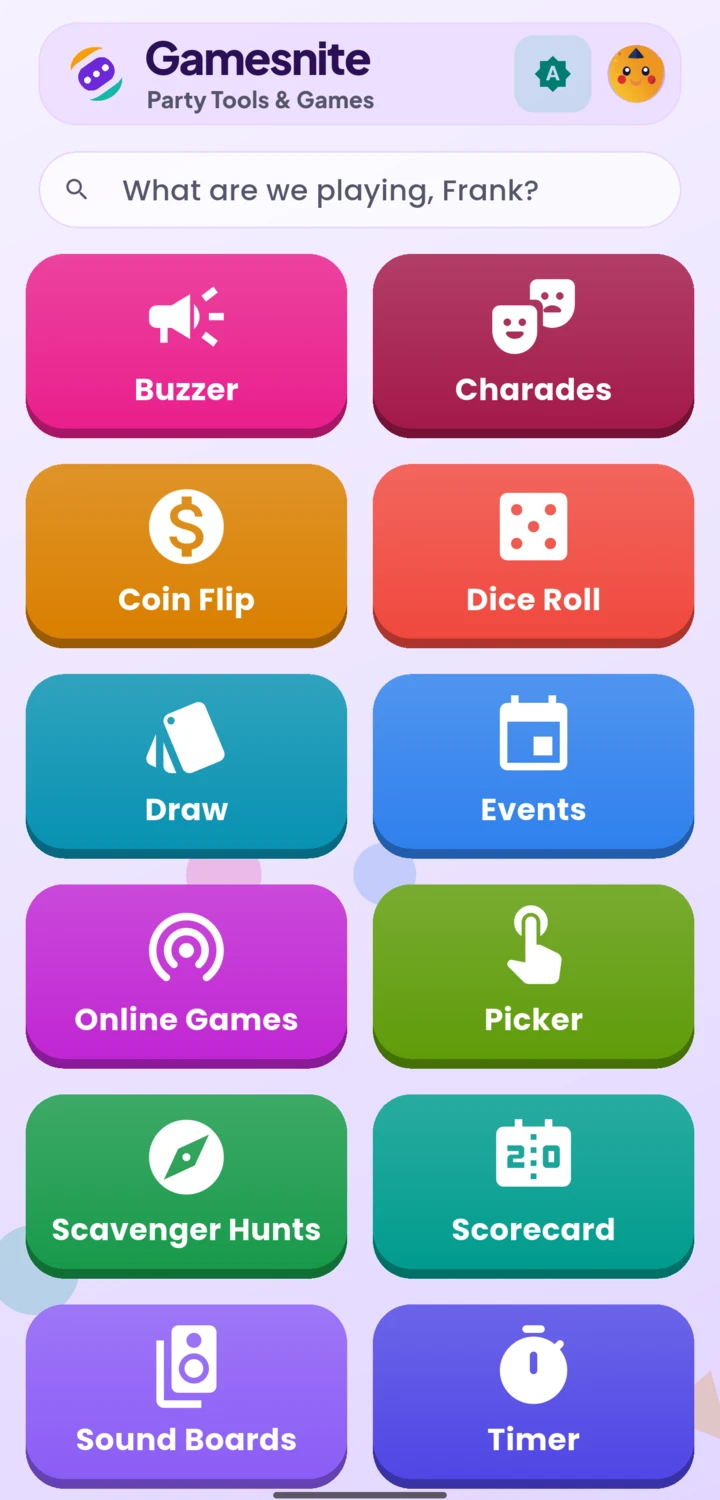
All the tools. One app.
Grab one to settle who goes first, or run a whole event with them.
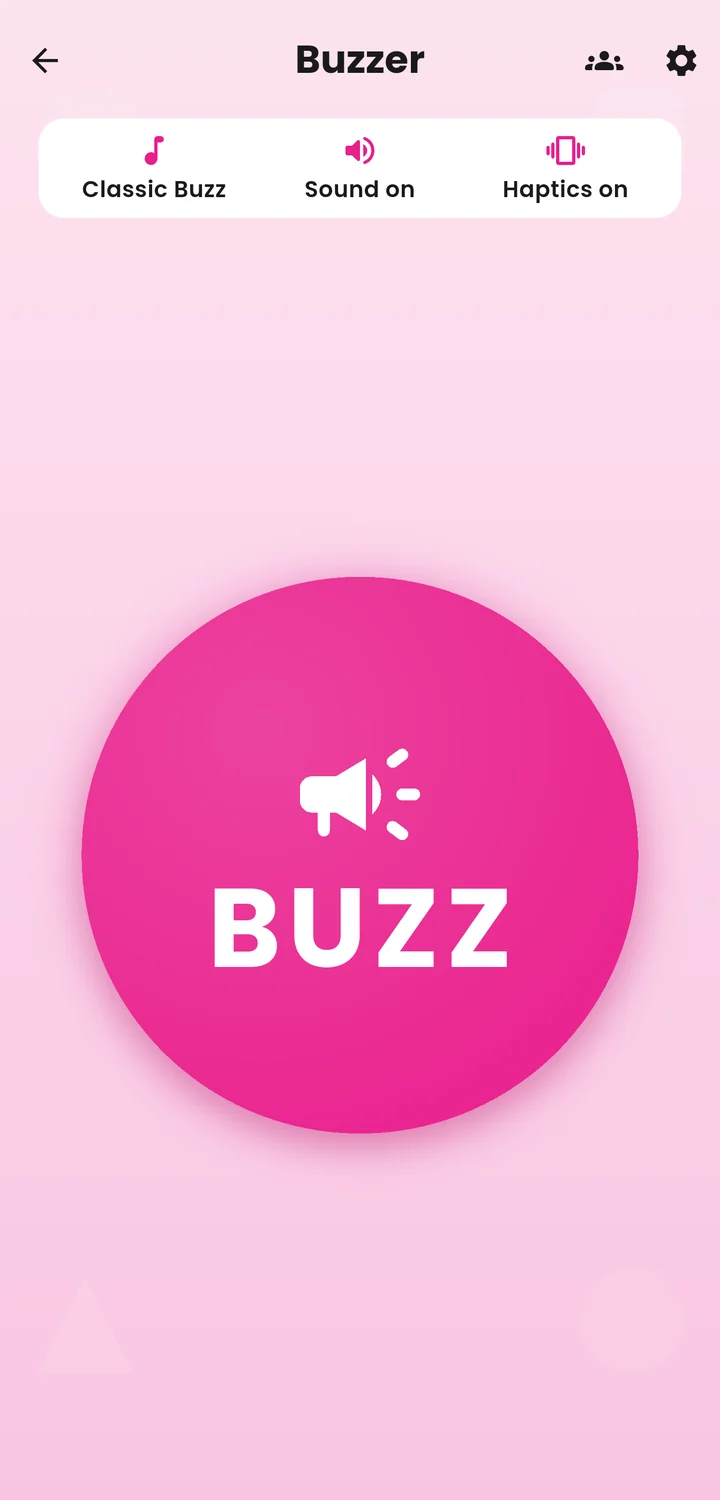
Buzzer
Who buzzed first? Now you know.
Charades
Phone on your forehead. Go!
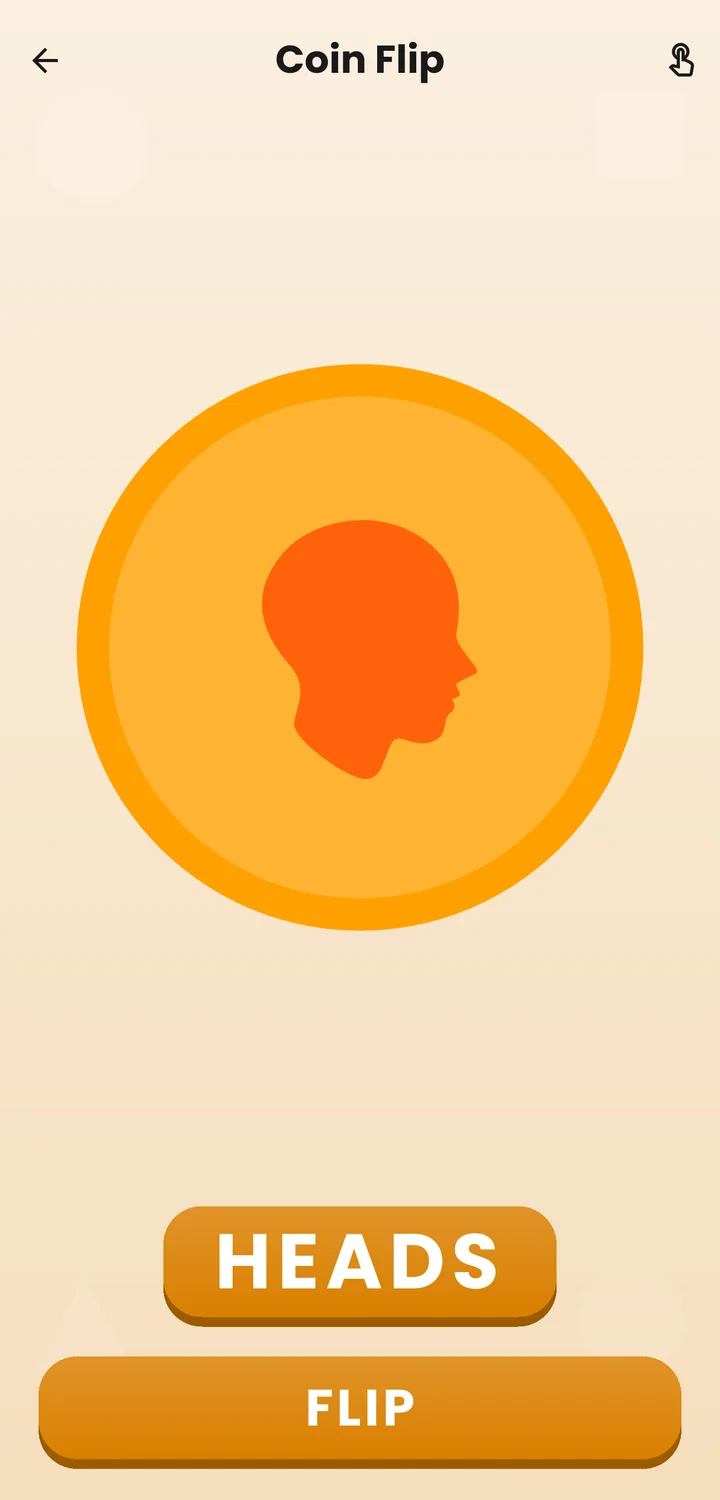
Coin Flip
Heads or tails settles it.
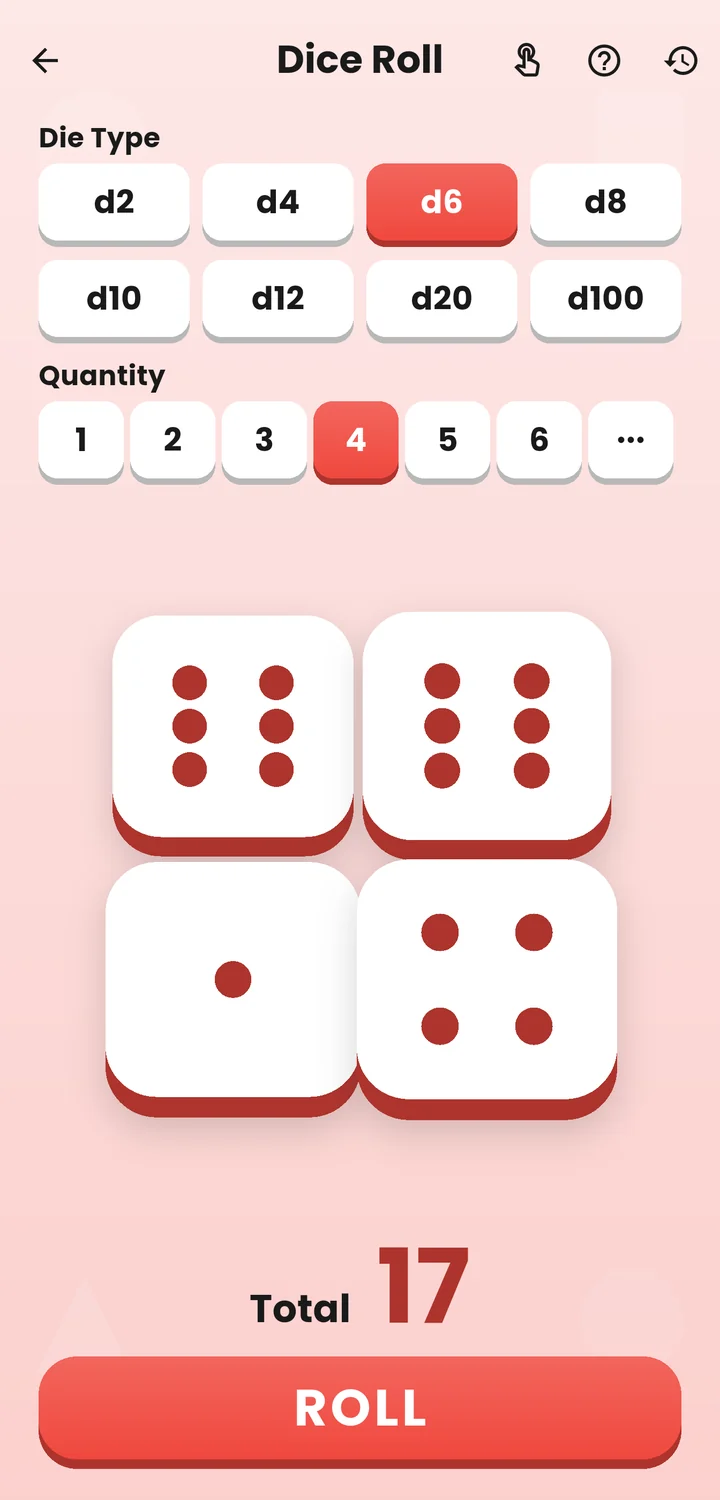
Dice Roll
A handful of dice, totals done.
Draw
Bingo caller, cards and raffles.
Events
Invites, RSVPs and reminders.
Online Games
Host quizzes from your phone.
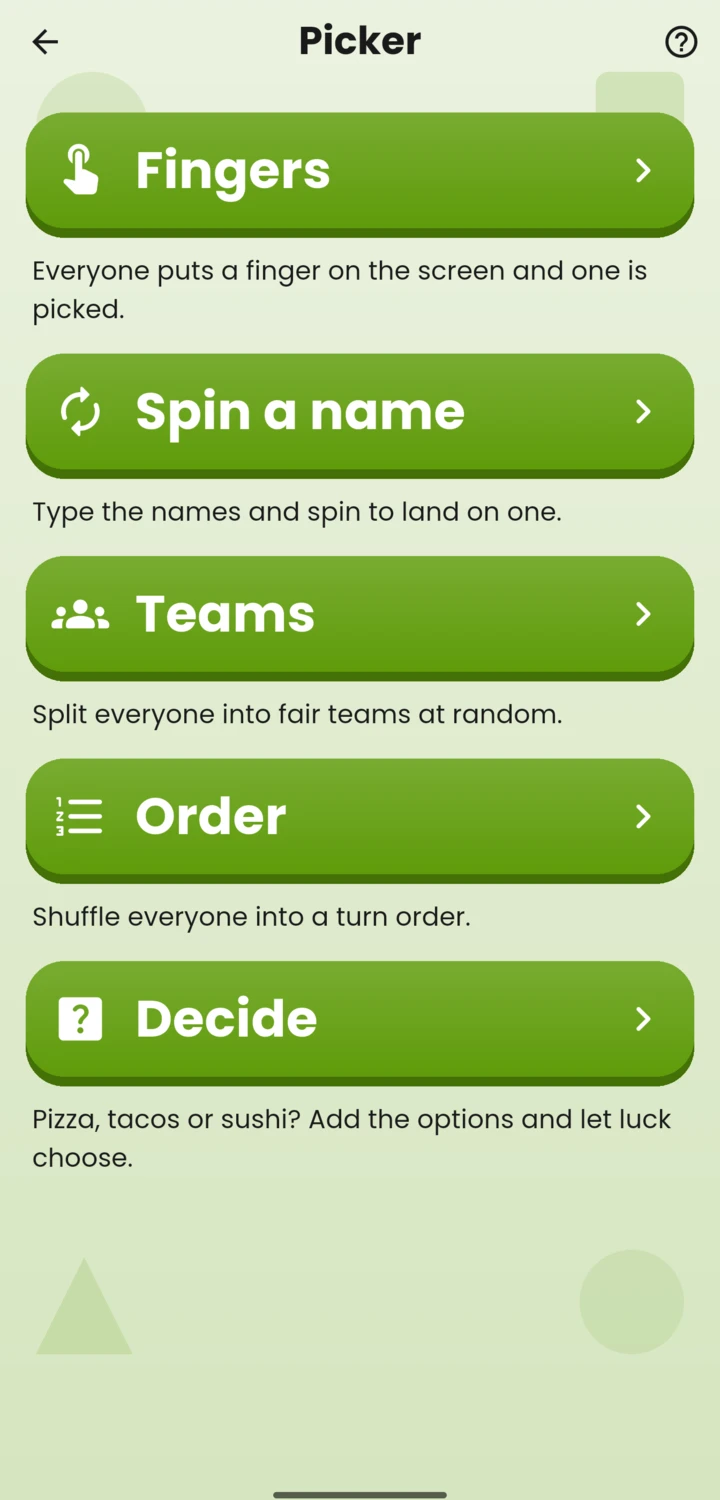
Picker
Who goes first, and fair teams.
Scavenger Hunts
GPS clues and photo proofs.
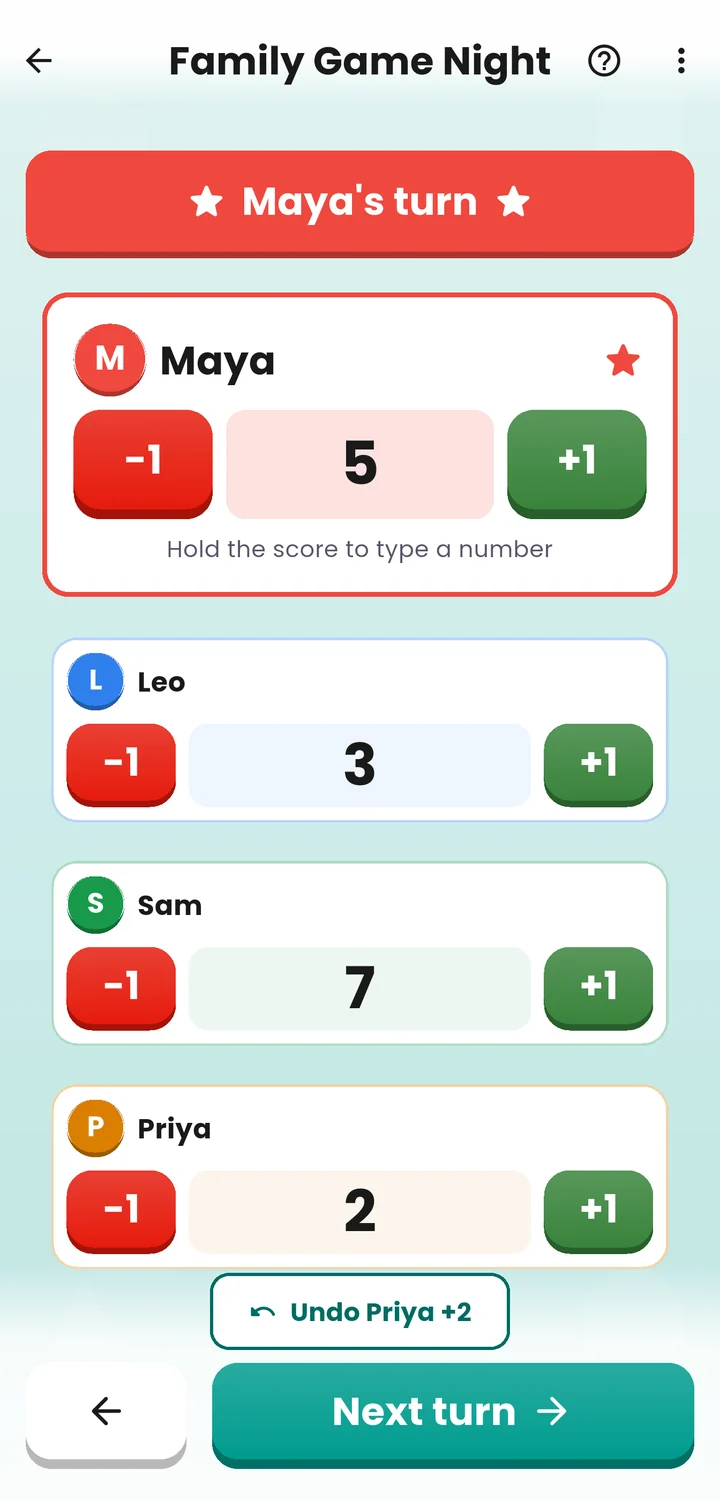
Scorecard
Tap to score. No pen needed.
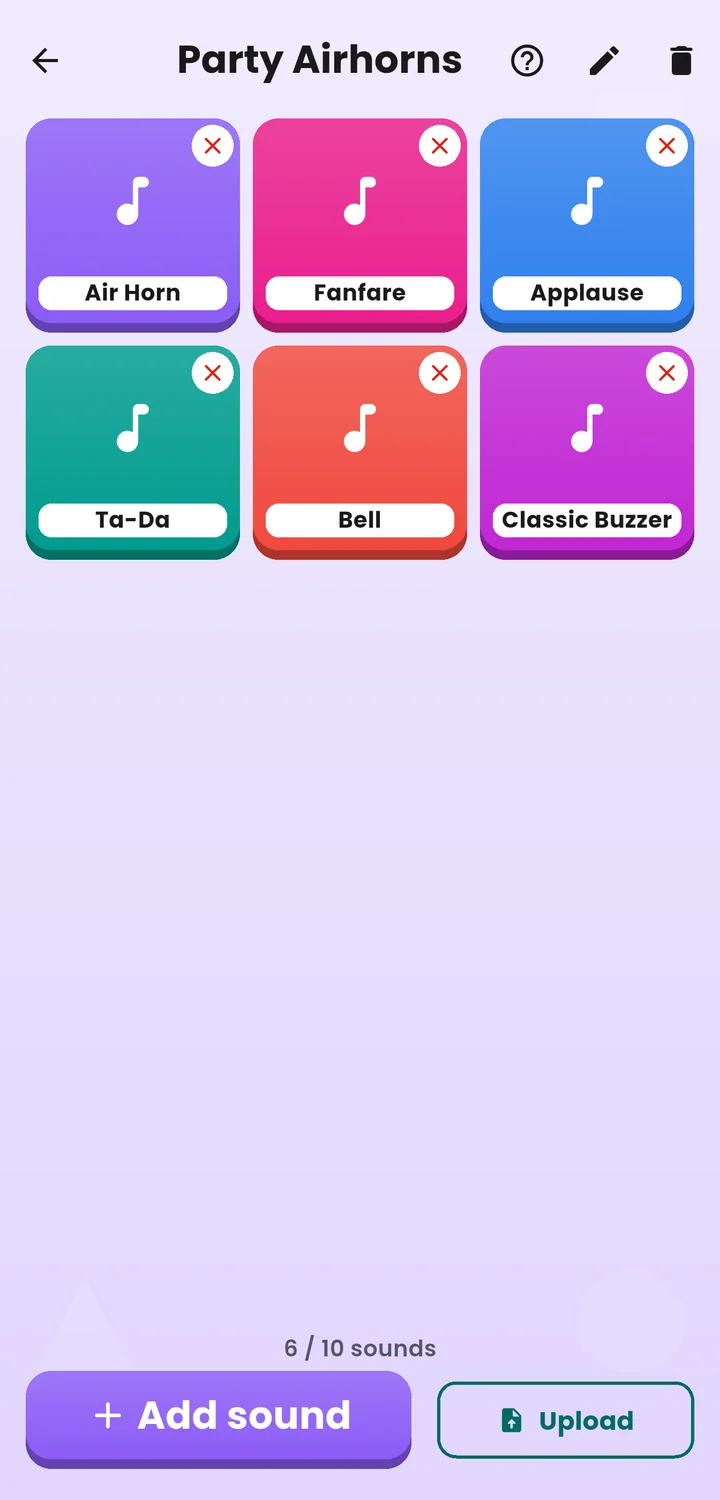
Sound Boards
Drumrolls, applause, your clips.
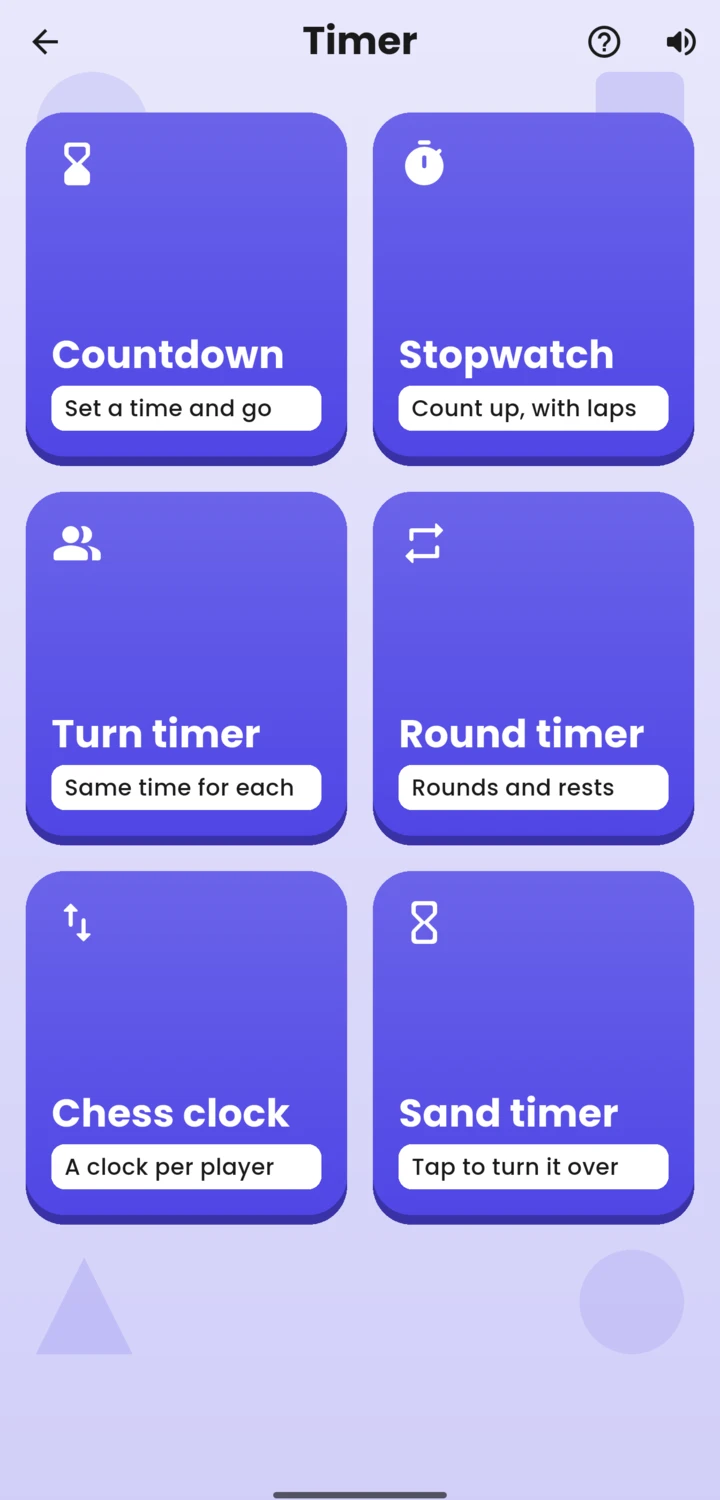
Timer
Countdowns to a chess clock.
Made for any crowd.
At work
Icebreakers, a quiz to open the all-hands, and a scavenger hunt round the office for team building.
Family & friends
Board games, holidays and road trips. Dice, a scorecard and a timer, all in your pocket.
Parties
Send the invites, then run the buzzer, Charades and a drumroll for the winner.
Clubs & fundraisers
Call Tambola or Bingo for a crowd, pull raffle winners and keep score across teams.
Go on, have a go.
Sample four of our tools right here.
Roll the dice
Feeling lucky?
In the app: a handful of dice, d4 to d100, with the total done for you.
Flip a coin
Call it in the air.
In the app: a full-screen flip, with a little celebration when it lands.
Test your buzz
Tap Start, then buzz the moment it turns green.
In the app: every phone is a buzzer, and the first buzz locks out the room.
Who goes first?
- Alex
- Sam
- Jordan
- Riley
- Priya
- Max
Spin to choose.
In the app: fingers on the screen, fair teams, turn orders and yes-or-no.
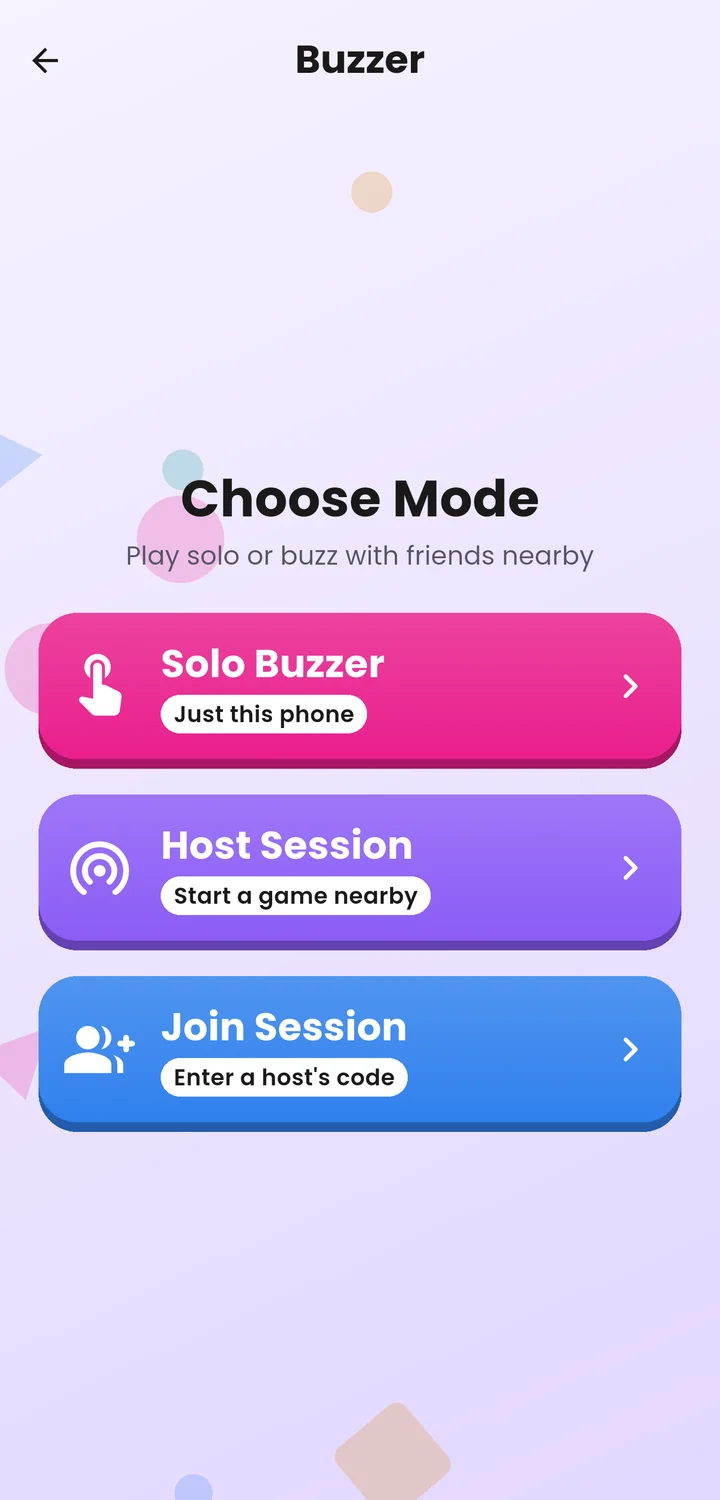
See who buzzed first.
On one phone it’s a big buzzer button. With friends, everyone buzzes from their own phone and the first buzz locks out the room. No arguments.
- Phones connect over Wi‑Fi
- The host runs the round and clears it for the next question
- Sound and vibration on every buzz
Host a game show from your phone.
Pick a game, share the join code and everyone plays on their own phone, at a party, a team meeting or a fundraiser. The app keeps score, runs the clock and moves things along. You just get to be the host.
- Type a topic and the app writes the questions, then edit anything you like
- Classic Quiz, Quiz Board, Wheel, Feud and Couples Quiz
- Guests can join without making an account
Some game types are inspired by classic TV game-show formats. Gamesnite isn’t affiliated with or endorsed by any TV show or its owners.
- Classic Quiz
- Quiz Board
- Wheel
- Feud
- Couples Quiz
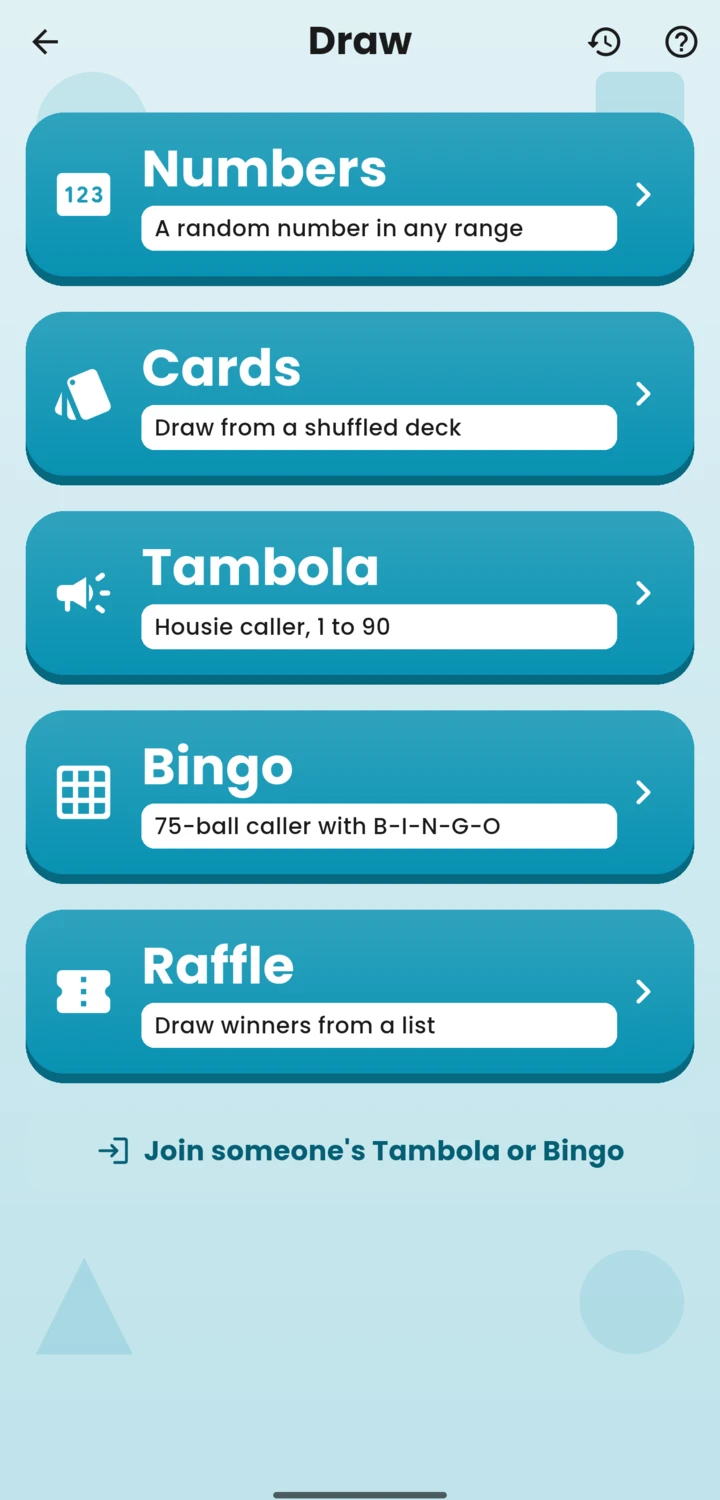
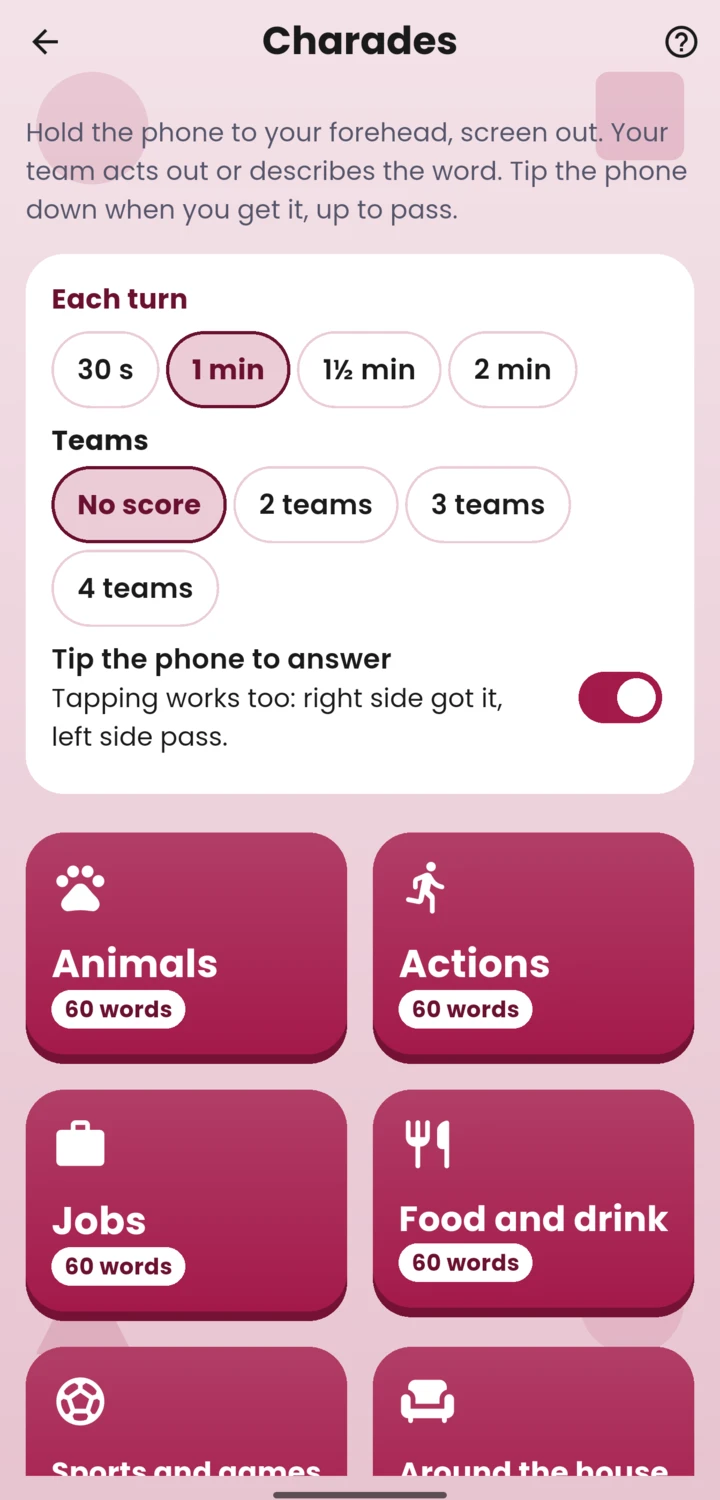
Call the numbers. Act it out.
Draw calls Tambola and Bingo numbers, deals cards and pulls raffle winners. Charades puts the phone on your forehead while your team acts it out. Tip it down when you get it.
- Players follow Tambola and Bingo on their own phones
- Charades decks from Animals to Around the house, with teams and scores
- Premium adds a TV presenter view, caller voices, printable tickets and more decks
Send everyone on a scavenger hunt.
Drop stops on a map, around town, in a park or round the office, add clues and tasks, and send people out in teams. Check-ins are verified by location, and you watch the leaderboard change live.
- Riddles, photo and video proofs, and bonus questions at each stop
- Teams, a live leaderboard and in-hunt chat
- Anyone can join a hunt for free
Three taps and you’re playing.
Open the app
Every tool is on the home screen, with no tutorial to sit through. Sign in when you want to host online games, hunts or events.
Pick a tool
Roll, flip, buzz, or start an online game and share the join code with the room.
Play
The app keeps the time, the points and the peace, so nobody has to.
Have a look around.
Free to play. Premium when you want more.
All tools are free. Premium takes the ads away and makes room for bigger groups.
Free
$0
Plenty for most get-togethers.
- Every tool, from the buzzer to the chess clock
- Up to 5 players in the multiplayer buzzer, online quiz, Tambola and Bingo
- Events and invite links
- Join any online game or scavenger hunt
- Ads on the home screen, never mid-game
Premium
For people who host a lot.
- No ads
- Bigger groups in the buzzer, quiz, Tambola and Bingo
- AI-written Quiz Board, Wheel, Feud and Couples Quiz games
- Host scavenger hunts
- A TV presenter view, background music and events for more than 10 guests
- Caller voices and printable tickets for Tambola and Bingo
- More Charades decks, and your own words
- More sound boards, saved lists and timers
Prices in US dollars. Your store may show a local price. Bought in the app through the App Store or Google Play; subscriptions renew until cancelled in your store settings. Refunds and cancelling.
Good to know
Who is it for?
Any group that wants to play something together: family and friends, parties and clubs, and teams at work, from a five-minute icebreaker to an afternoon of team building.
Are the online games the TV shows?
No. They’re our own games. Some game types, like Quiz Board, Wheel, Feud and Couples Quiz, are inspired by classic TV game-show formats. Gamesnite isn’t affiliated with or endorsed by any TV show or its owners.
Do I need an account?
Not to get started. The everyday tools work as a guest, and guests can join online games and scavenger hunts. Hosting an online game, creating a scavenger hunt or planning an event needs an account (hosting hunts also needs Premium). An account also keeps your profile, events and sound boards in sync across your devices.
Does the multiplayer buzzer need the internet?
No, but every phone does need to be on the same Wi‑Fi network.
How many people can play an online game?
Currently up to 20 players in an online game and up to 30 in a scavenger hunt.
Can I run Bingo or Tambola for a crowd?
Yes. Draw calls the numbers, and players can follow along on their own phones. With Premium you also get a presenter view for the TV, recorded caller voices and printable tickets.
What do the ads look like?
The free version shows ads on the home screen and occasionally between activities. Never in the middle of a game. Premium removes them.
How do I cancel Premium or get a refund?
Premium is bought in the app, so your store handles both: cancel in your App Store or Google Play subscription settings, and ask the store for a refund. Here is how, step by step.
What happens to my data?
Everyday tools keep their data on your phone. Signing in, events, uploads, online games and hunts store data on our servers. The full details are in the privacy policy.
How do I delete my account?
In the app, go to Settings and choose Delete account. You can also email us. Here is exactly what gets removed.
Is it safe for kids?
Gamesnite is made for a general audience. Children under 13 should play with a parent or guardian involved.
Ready when your crowd is.
Free on iPhone and Android.